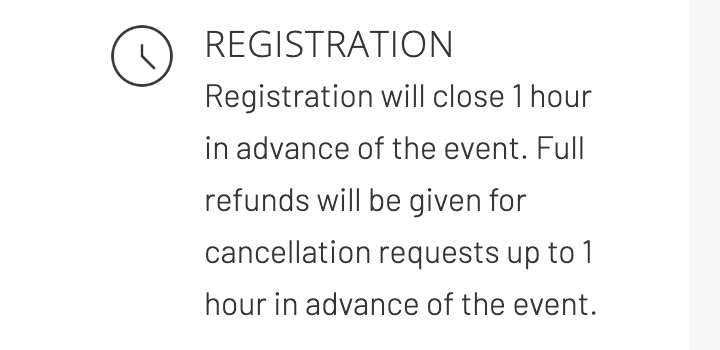
Refund policies vary by event, and each event page lists its own under Registration. For many online events, you can cancel and get a full refund up to 1 hour before the event starts. If the page doesn't list a policy, you can request a full refund before the event starts.
Cancel your registration
- Log in at events.tergar.org.
- Click your name in the top right corner, then Purchases.
- Find the event, click the three dots on the right and choose Cancel invoice.
Your refund goes back to the card or PayPal account you paid with, usually within 3–5 business days.
If you can't find the cancel option
Submit a ticket with the event name before the deadline and we'll cancel it for you. After the deadline, we'll still look at your request.
Events run by local communities
Some events are organized by local Tergar communities, often with Eventbrite. Tergar International can't change those registrations. Contact the organizer using the details in your confirmation email.
Related articles
Still have questions? Submit a ticket and our team will be happy to help.
Was this article helpful?
That’s Great!
Thank you for your feedback
Sorry! We couldn't be helpful
Thank you for your feedback
Feedback sent
We appreciate your effort and will try to fix the article