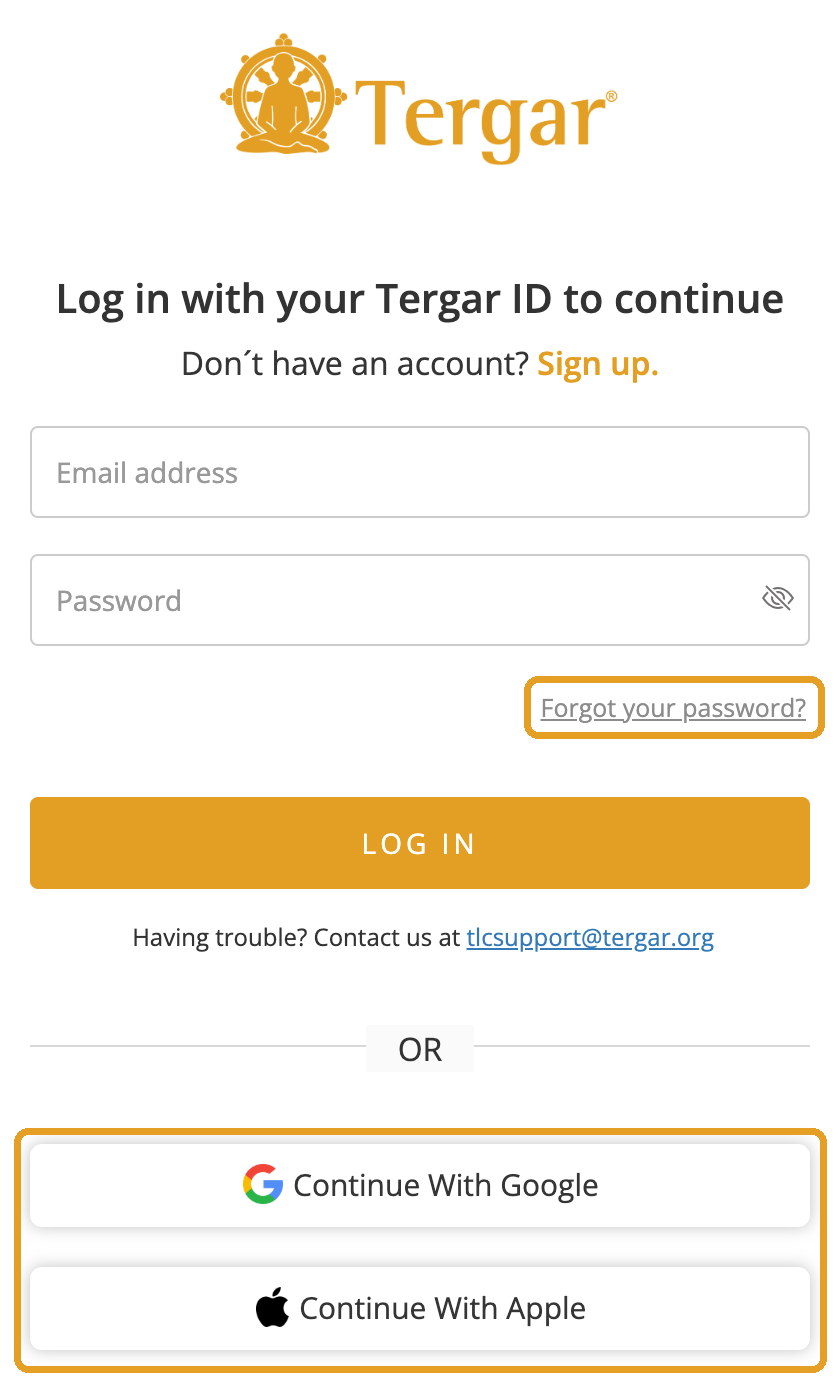
If you asked for a password reset and the email never arrived, not even in your spam or junk folder, your Tergar account was most likely created with Continue with Google or Continue with Apple. These accounts don't have a separate Tergar password, so there is nothing to reset and no reset email is sent.
How to log in
- Go to the Tergar site you're using: events.tergar.org, joy.tergar.org, vajrayana.tergar.org or training.tergar.org.
- Click Log in.
- Choose Continue with Google or Continue with Apple, whichever you used when you signed up.
- Use the same Google or Apple account as before.
You won't need a password.
Use one sign-in method only
Pick either Google, Apple, or your email address and password, and use it every time. Switching between them is the most common cause of login errors. If you've already switched and now see an error, submit a ticket and we'll reset your login.
If you do have a Tergar password
If you signed up with an email address and password, you can reset it:
- Click Forgot your password? below the password box.
- Enter the email address you registered with. It must be the same one.
- Check your inbox, and your spam or promotions folder, for the reset email. It usually arrives within a few minutes.
- Use the link soon. Reset links expire after a short time, so if yours has expired, request a new one.
Still having trouble?
Submit a ticket and tell us which email address you're using. We can look up your account.
Related articles
- What if I have problems logging into the Tergar website?
- I think I have two Tergar accounts, or my purchase is under a different email
Still have questions? Submit a ticket and our team will be happy to help.
Was this article helpful?
That’s Great!
Thank you for your feedback
Sorry! We couldn't be helpful
Thank you for your feedback
Feedback sent
We appreciate your effort and will try to fix the article